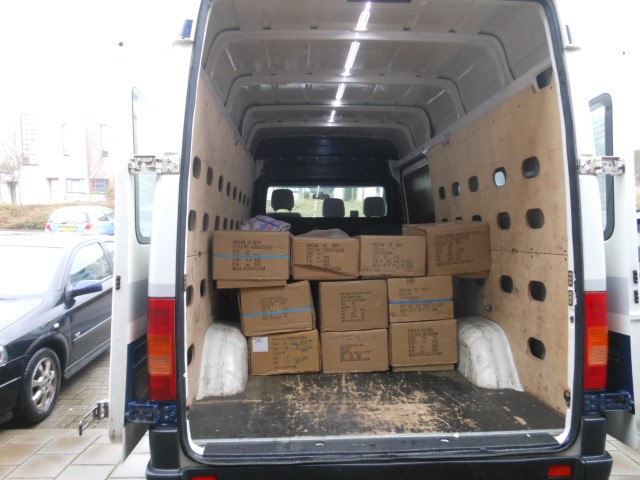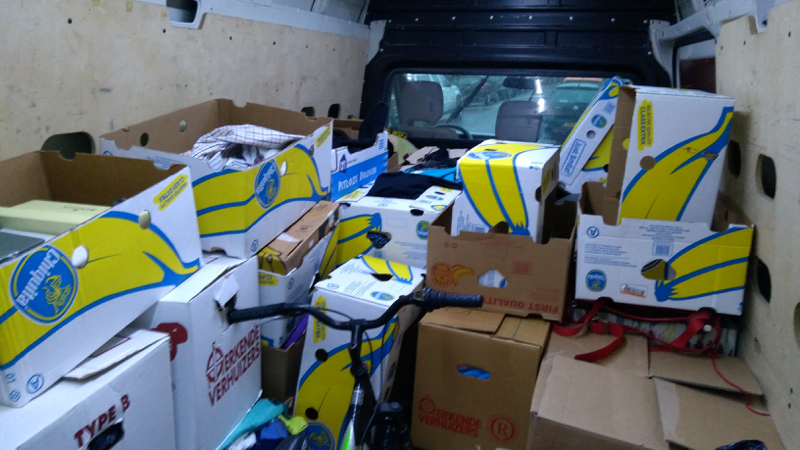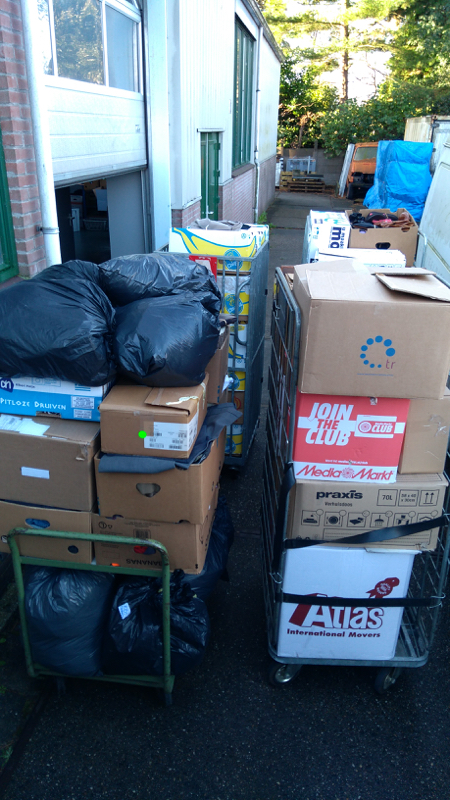
At Hands to Serve, we support missionaries and their projects by thoroughly checking and refurbishing donated hardware for reuse. Microsoft has set relatively high requirements for Windows 11, meaning that only computers (laptops and desktops) built from around 2018 meet these standards. These computers are now gradually becoming available from the companies that support us. Additionally, we expect that many older computers with Windows 10 will be replaced this year. If they are not too old, we gladly accept these devices to reuse them. Often, these computers are still very fast, with their only limitation being that they are technically not suitable for Windows 11.
Would you join us in praying that God will provide enough companies and individuals willing to replace and donate their Windows 11 computers so that we can equip missionaries and projects in need with good hardware running Windows 11? Additionally, we ask for wisdom in finding suitable destinations for former Windows 10 computers.
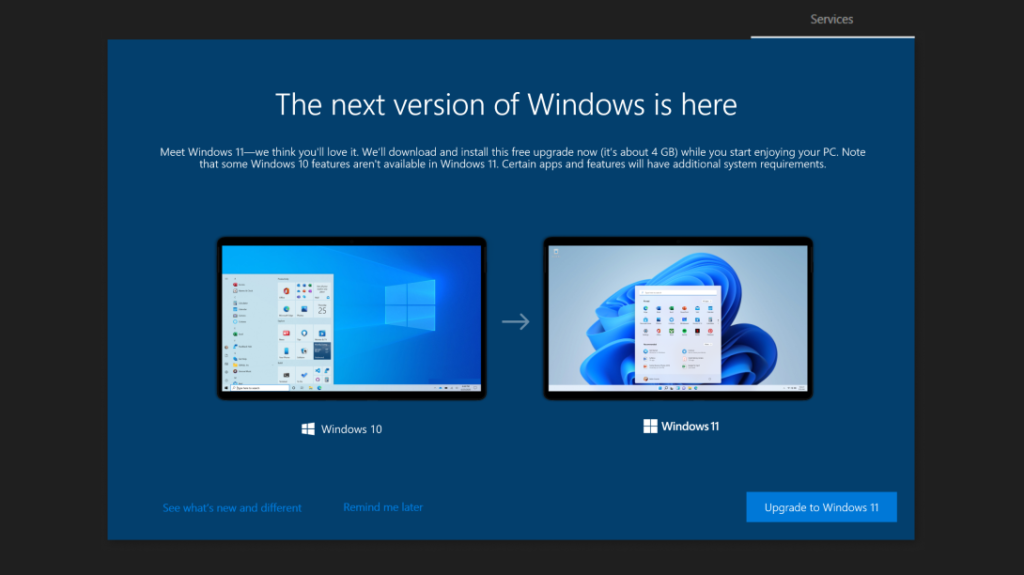
The End of Windows 10 and the switch to Windows 11
Microsoft has announced that support for Windows 10 will end on October 14, 2025. This means that after this date, there will be no more security updates or technical support available. As a result, Windows 10 will become more vulnerable to security risks, which may lead banks to no longer trust the operating system. This can have consequences for online banking and compensation for scams, as banks may be less likely to reimburse claims if an insecure system is being used. Users are therefore advised to switch to Windows 11, which offers various improvements in performance, security, and user experience.
Why Windows 11 is Better
Windows 11 introduces a revamped user interface with a modern design and improved productivity tools. Some advantages of Windows 11 include:
- Better performance: Faster boot times and more efficient power consumption.
- Enhanced security: Support for TPM 2.0 and Secure Boot provides a higher level of protection against malware and cyberattacks.
- Better compatibility with new technologies: Support for DirectStorage and AutoHDR makes gaming and multimedia usage smoother and more visually appealing.
- Optimized multitasking: Snap Layouts and Virtual Desktops improve workflow.
Higher Hardware Requirements
An important consideration when upgrading to Windows 11 is that it has higher system requirements than Windows 10. The minimum requirements include:
- A compatible 64-bit processor (at least 1 GHz, with 2 or more cores)
- 4 GB RAM (8 GB or more recommended)
- 64 GB storage
- TPM 2.0 and Secure Boot
- A DirectX 12-compatible graphics card
Older computers that do not meet these requirements cannot officially run Windows 11, forcing many users to either upgrade their hardware or look for alternative operating systems.
Alternative 1: Extend Windows 10 Updates for One Year (new)
For consumers, updates are still available for one more year (until October 13, 2026) through the Extended Security Updates (ESU) program. More information on the Microsoft site.
Alternative 2: Windows 11 on Older Hardware After All (new)
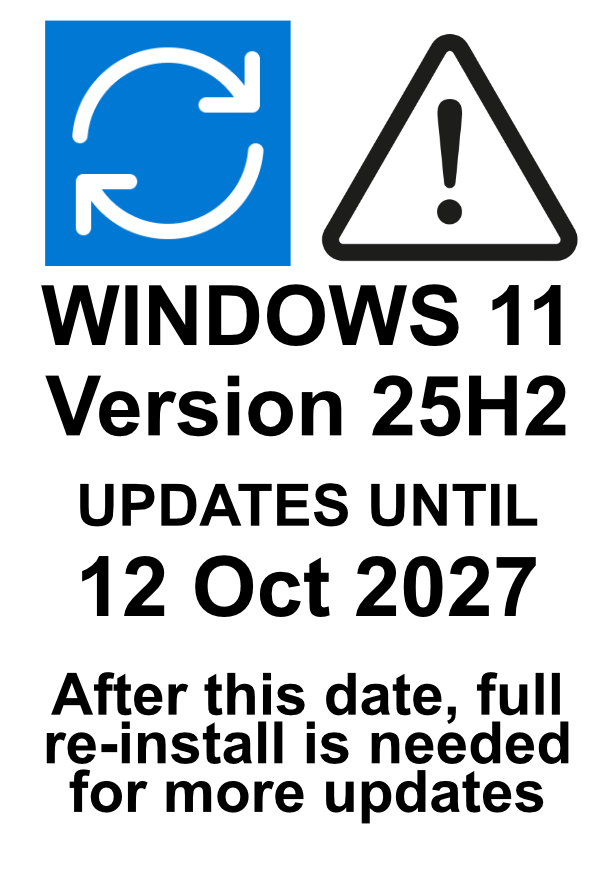
The current Windows 11 updates (version 25H2) end on October 12, 2027, while Windows 10 with ESU updates end on October 13, 2026. If the old hardware supports TPM and Secure Boot, installing Windows 11 is safer than Windows 10 with ESU. The major drawback is that after the end date, Windows can only receive more updates through a complete re-installation without preserving files and applications.
Alternative 3: Linux for Older Hardware
For users with older hardware who cannot or do not want to upgrade, Linux offers an excellent alternative. There are several Linux distributions optimized for lightweight systems, such as:
- Ubuntu (LTS version): A user-friendly option with long-term support.
- Linux Mint: Ideal for users switching from Windows due to its familiar interface.
- Lubuntu/Xubuntu: Lightweight versions of Ubuntu, perfect for older PCs.
- Zorin OS: Specifically designed for Windows users transitioning to Linux.
Pros and Cons of Linux
Pros:
- Free and open-source, meaning no licensing costs.
- Lightweight and less demanding on hardware.
- Secure and stable, with less risk of viruses.
- Many choices and customization options.
Cons:
- Some programs and games specifically developed for Windows do not work or require extra software like Wine.
- The user experience may take some getting used to for those accustomed to Windows.
- Not all hardware is supported out of the box, sometimes requiring extra configuration.
Conclusion
With the end of Windows 10 approaching, switching to Windows 11 is a logical choice for those with modern hardware. For older systems, Linux can be a good alternative, provided users are willing to adapt to a different ecosystem. Ultimately, the choice depends on the user’s needs and the compatibility of their hardware.